Step 1: Install a Package
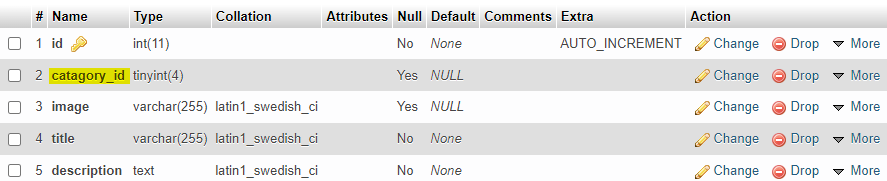
Suppose we have a posts table and we want to rename a field or column name.
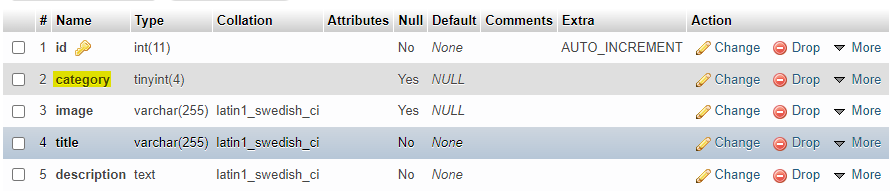
Here we see the posts table. Now we want to rename column category to category_id.
Step 2: Generate Migration File
Generate a migration file for renaming the column using the artisan command:
As we rename the posts table column category to category_id, the command will be:
This command will create a migration file like the one below.
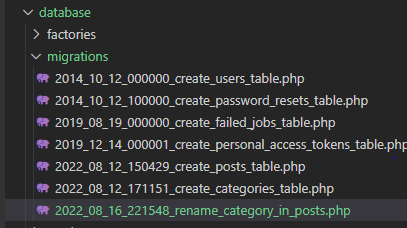
This file will create a class in the format RenameColumnNameInTableName and also creates two methods: up and down.
Step 3: Open the Migration File
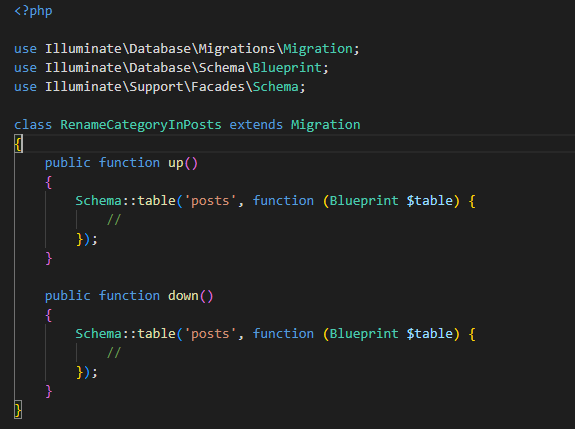
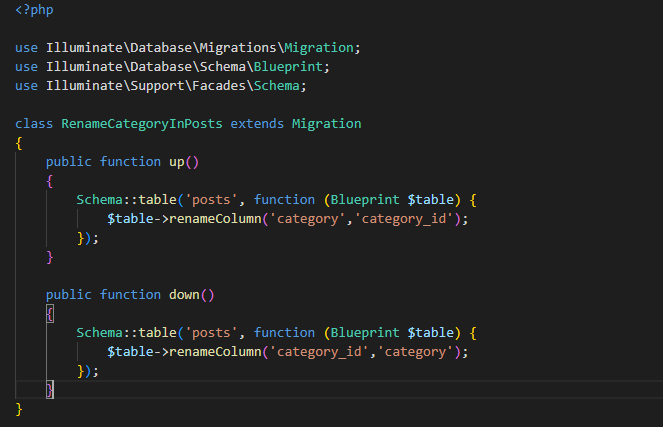
Click to open the file. In this file our class name will be RenameCategoryInPosts.
Step 4: Use the renameColumn Method
In the up method:
In the down method:
As we rename column category to category_id, the methods will be:
Step 5: Run the Migration
Finally, migrate the file using the artisan command:

After migrating, open the database posts table and see the changes.